Payment Fee Calculator
Payment Fee Calculator
Payment processors often charge a percentage fee and a fixed transaction fee. Use this calculator to estimate how much you need to charge so you still receive your desired amount after fees.
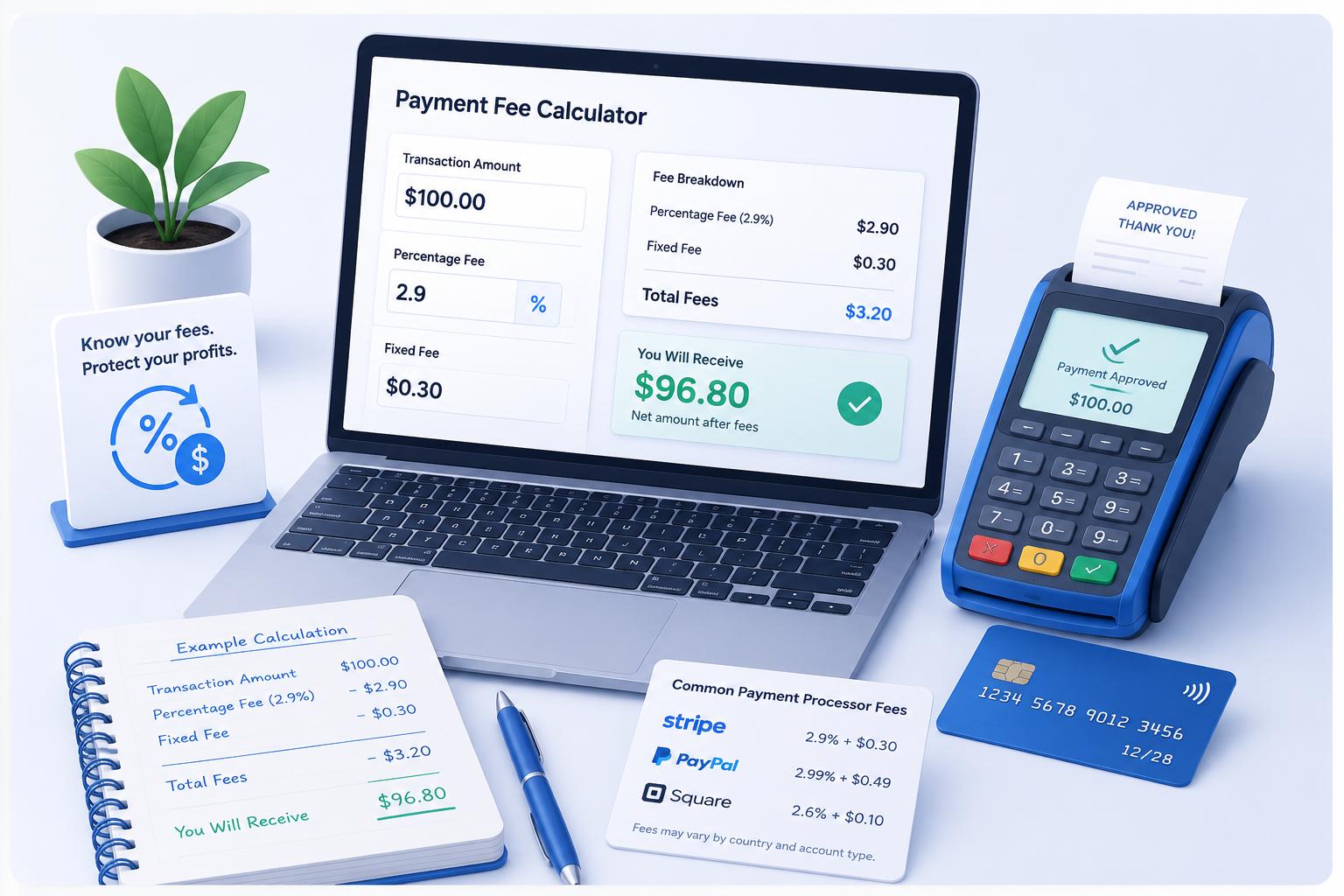
Use this payment fee calculator step by step
Estimate the customer price needed to recover payment fees without changing your product cost, margin, or catalog pricing records.
Enter the amount you want to receive
Start with the amount you want to keep after payment processing fees.
Choose a payment processor
Select Stripe, PayPal, Square, Mercado Pago, or enter custom fee values.
Review the required customer price
Clara calculates how much your customer must pay so you still receive your target amount.
Compare different fee scenarios
Experiment with different processors and compare how fees affect your final revenue.
Desired Amount
Payment fee results
Enter a target amount to see the suggested customer price.
This is the estimated price your customer would need to pay so you can still receive your target amount after processing fees.
Formula: Customer Price = (Target Amount + Fixed Fee) / (1 - Fee Percentage)
Why payment processing fees matter
Payment processors help businesses accept card and online payments, but they also reduce the amount you receive from each sale. Understanding these fees helps you protect your pricing strategy and profit goals.
Use this payment fee calculator as a credit card fee calculator, Stripe fee calculator, PayPal fee calculator, or custom payment processing fee calculator when planning small business payments and online payment fees.