Sales Tax Calculator
Sales Tax Calculator
Calculate sales tax with confidence. Enter a price and tax rate to estimate the sales tax amount and the final total your customer will pay.
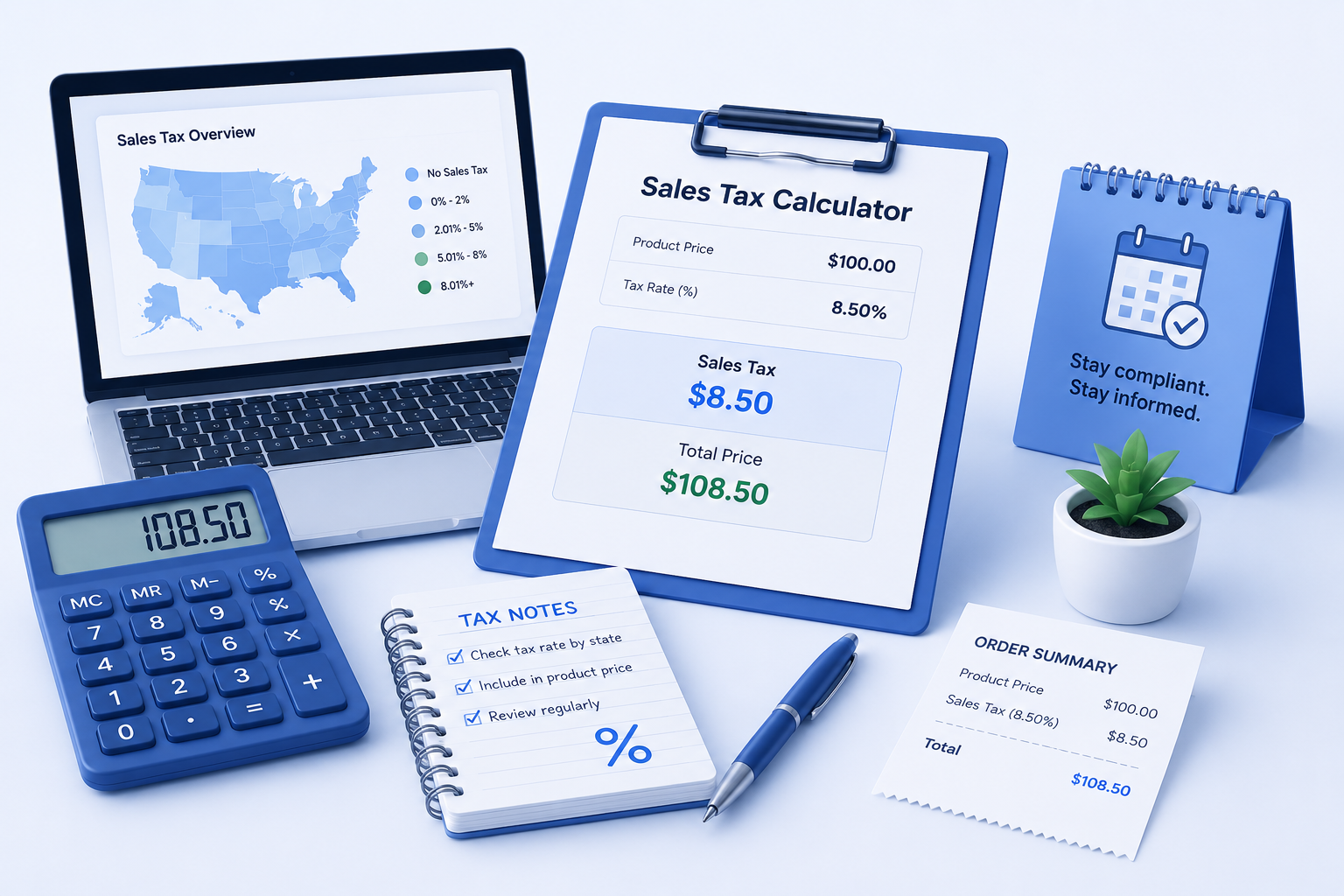
How to use this sales tax calculator
Use this calculator to estimate sales tax, understand the final price after tax, and review how tax affects the amount your customer pays.
Enter the price before tax
Add the product or service price before sales tax. This is the original amount before any tax is added.
Add the sales tax rate
Enter the sales tax percentage you want to apply. Use the rate that matches your state, city, or business situation.
Review the tax amount
Clara calculates the sales tax amount so you can see how much tax is added to the original price.
Check the final total
Review the total price after tax. This helps you understand the final amount your customer may pay.
Calculate sales tax
Sales tax results
Results are rounded to two decimals so you can quickly review the tax amount and final price.
Why sales tax matters for small businesses
Sales tax can change the final price your customer pays. For small business owners, understanding sales tax helps with pricing decisions, invoices, receipts, and simple financial planning. This calculator gives you a quick estimate, but always confirm tax rules with your state, city, or a qualified tax professional.
Sales tax formulas
Sales tax amount = Price before tax × Sales tax rate
Total after tax = Price before tax + Sales tax amount
Use the rate as a percentage. For example, 7.25% is entered as 7.25.
Important note about taxes
This calculator is for educational and planning purposes only. Sales tax rules can vary by location and product type.